
An object for your desk, and a night clock the moment you set it on the charger. 2.0 is rebuilt from scratch — and every ad is gone.
Day — on your desk
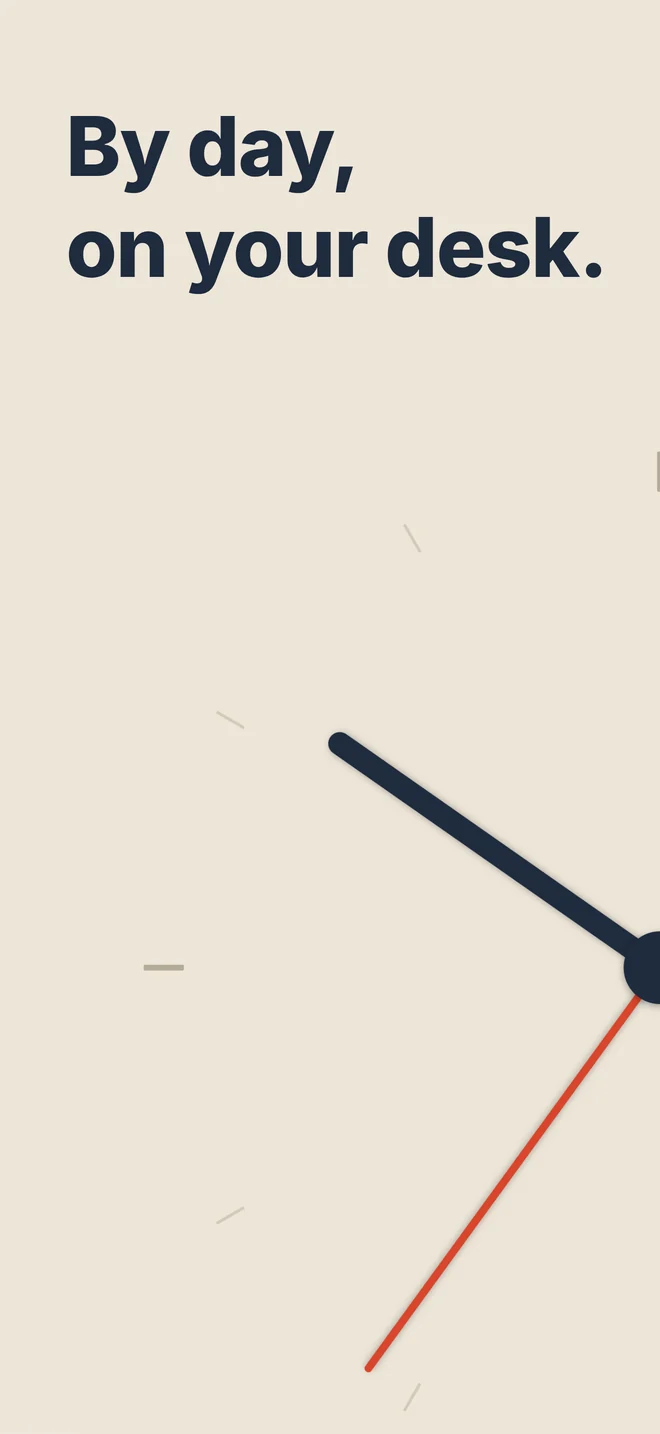
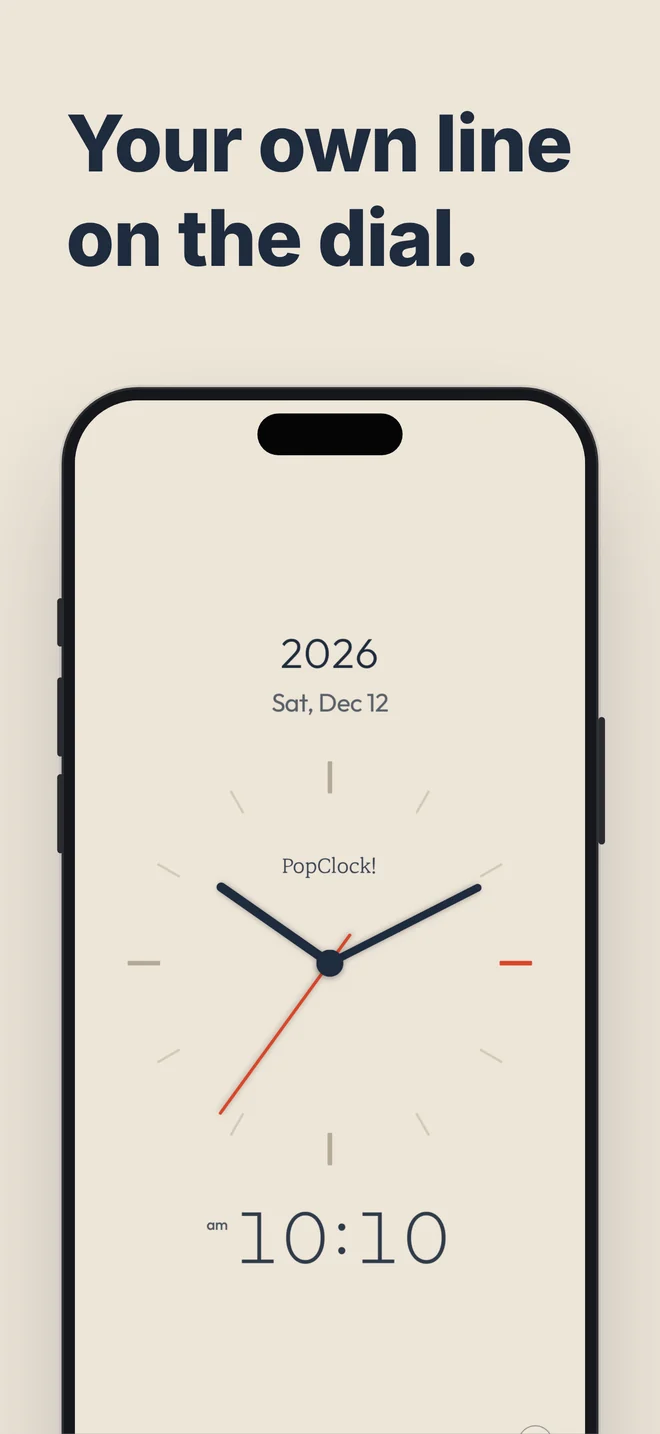
- An analog dial with the date and time on one screen. The second hand sweeps without a tick.
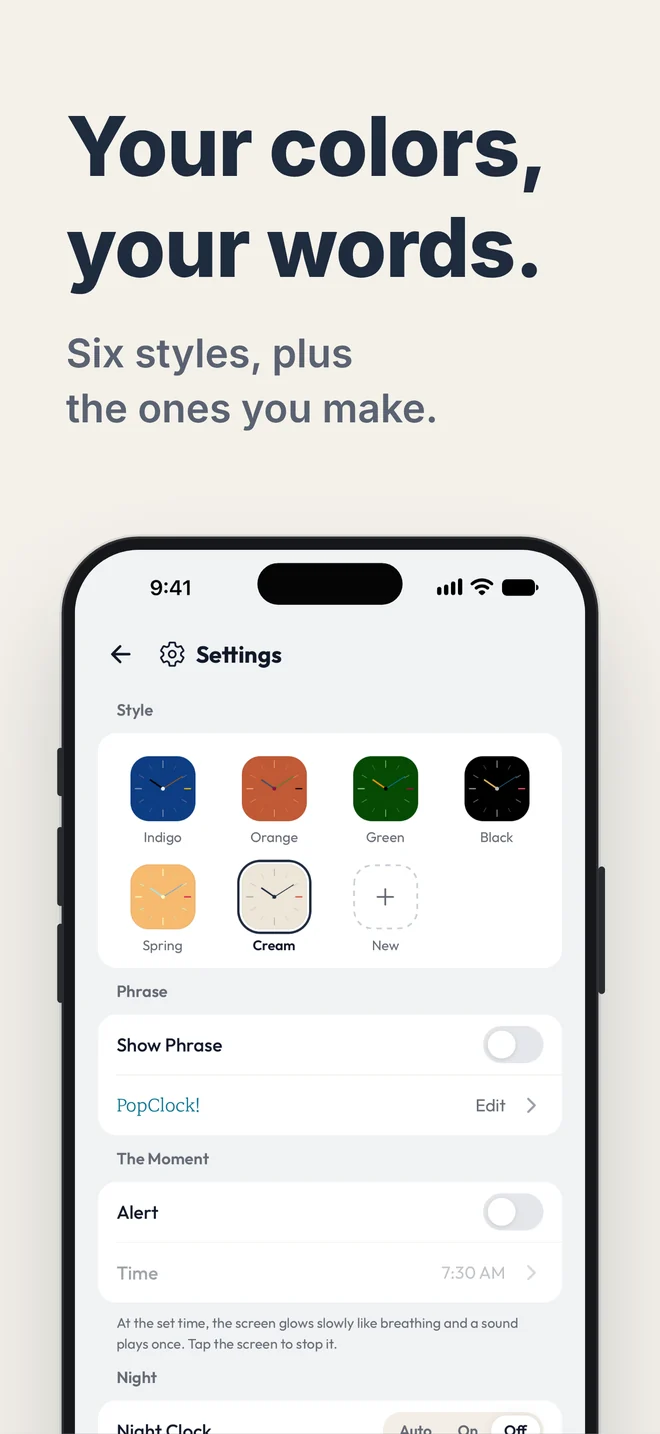
- Six styles. If none is quite your color, make your own.
- Put your own phrase on the dial — a name, a promise, a favorite line.
Night — by your bed
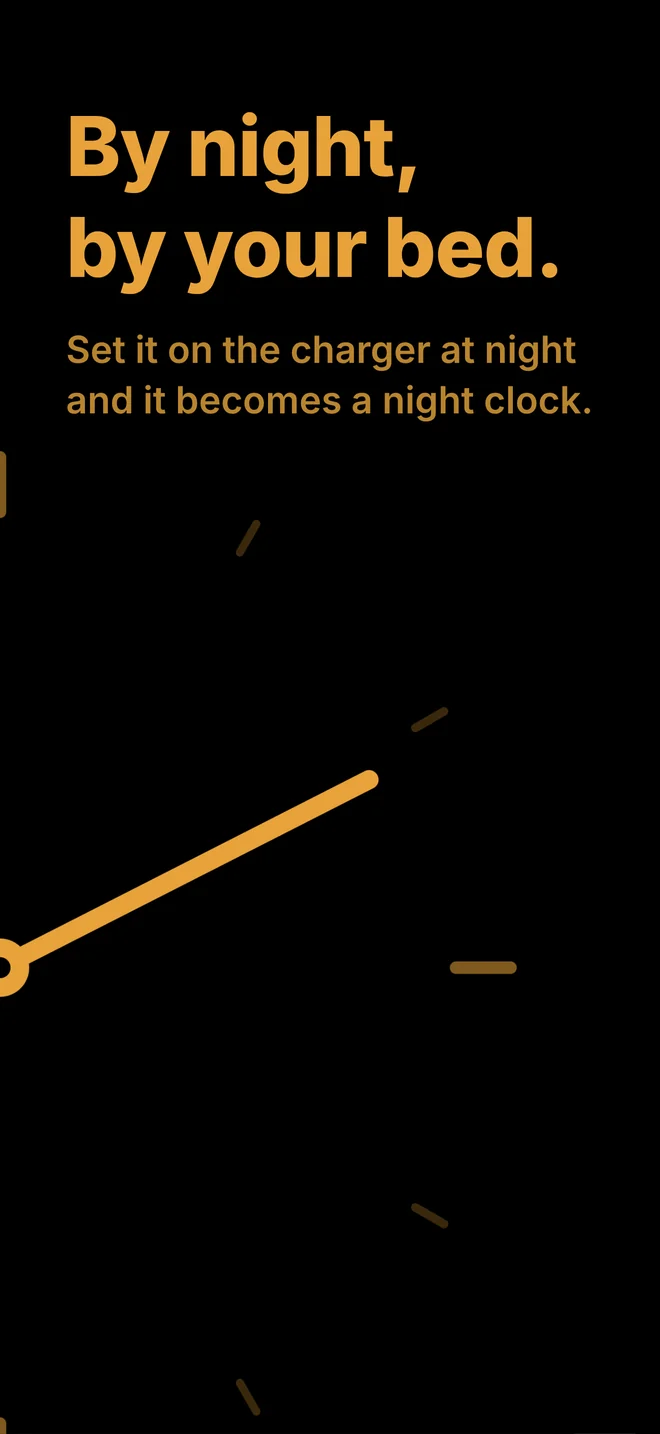
- Set it sideways on the charger at night and it becomes a night clock by itself.
- One low light on black. Choose red, amber, or white.
- Easy on the eyes in a dark room.
The Moment — once a day
- At the time you set, it tells you with sound and light. Time to leave work, time the kids come home, time for yourself.
And
- Home Screen widgets (iPhone, iPad)
- Left on for hours, the clock shifts ever so slightly to protect your screen.
- Give a spare phone or tablet a new life as a desk clock.
Need help?
How do I turn on the night clock?
Stand your phone sideways on a charger at night and it turns on by itself. You can switch it off under Night in Settings.
Is it safe to leave the screen on?
The clock shifts by a tiny amount over time to protect the display.
I bought "Remove Ads" in 1.x.
Version 2.0 has no ads at all. There is nothing you need to do.
Send us your question or idea. We usually reply within two business days.
Email [email protected]Made by CREAMISLAND